
Booking Restaurants in Korea: CATCHTABLE and NAVER
“I really want to eat here—but how do I book?” You have options without a Korean phone number. From planning a special meal on CATCHTABLE to finding neighbourhood restaurants on NAVER, let’s walk through the English booking screens.
FLASH KOREA · 2026-10-17
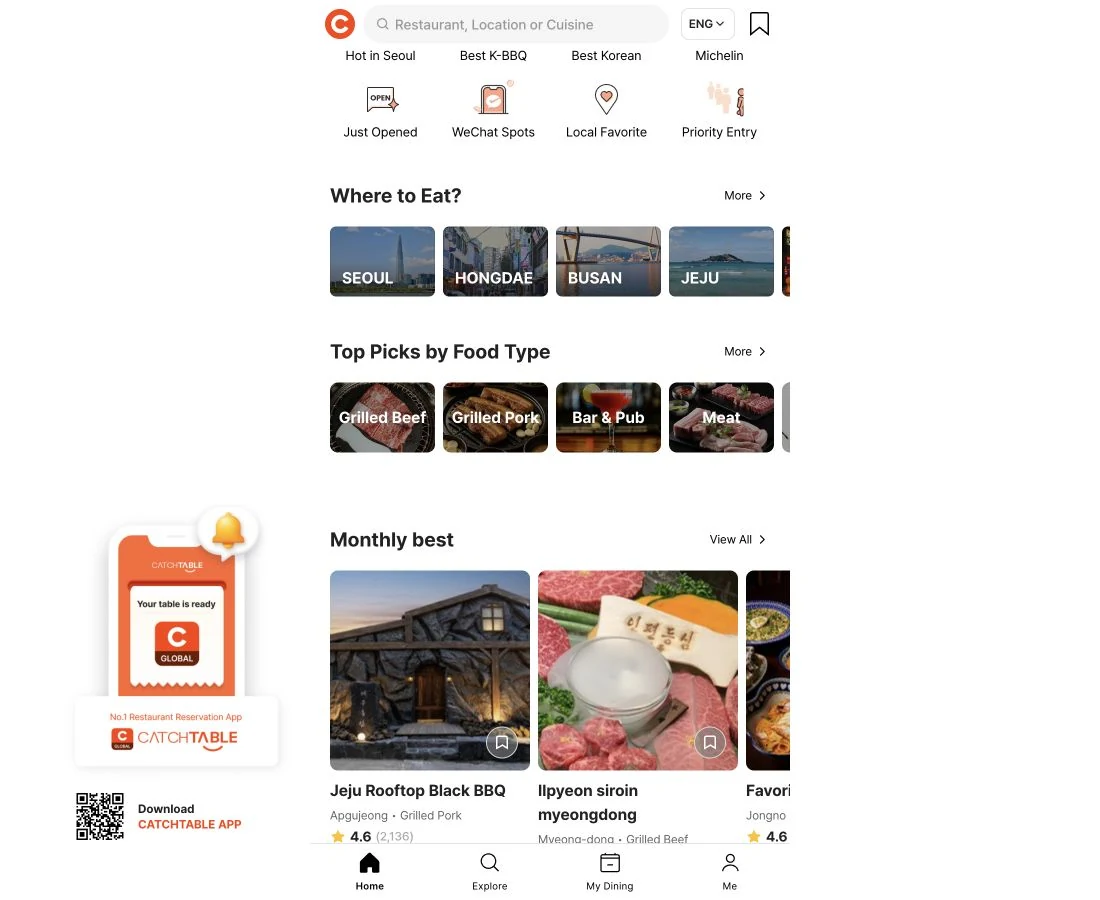
Found a restaurant—now how do you book?
Questions like these come up in international travel communities: “Can I book without a Korean phone number?” and “What about NAVER, rather than CATCHTABLE?”
It is frustrating to save a list of restaurants, then get stuck at the booking screen. Here is a useful way to approach the two services.
- CATCHTABLE for well-known restaurants or a special meal. It is useful for finding and booking sought-after restaurants, higher-priced tasting menus and fine dining.
- NAVER for a broader neighbourhood search. Find everyday restaurants and cafés on the map, then continue to a reservation if the business offers one.
The platforms are not divided neatly by price. Choose a starting point based on whether you want a casual meal or a meal planned around a particular time.
CATCHTABLE: choose a date, party size and time
CATCHTABLE Global lets you sign up with Google, Apple or email without a Korean phone number. Use the global service, which is separate from the Korean-language service.
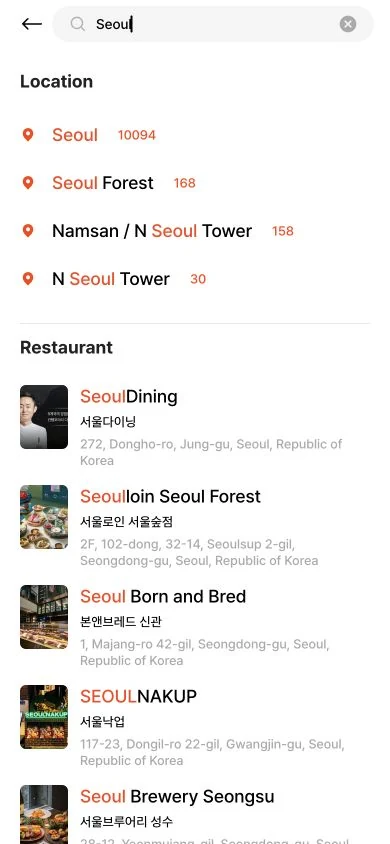
Search results separate Location from Restaurant. Tap an area to browse the neighbourhood, or a restaurant name if you already know where you want to eat.
- Enter the restaurant name in the search box.
- Open its page and tap your preferred date.
- Choose the number of guests under Party Size, then a dining time below.
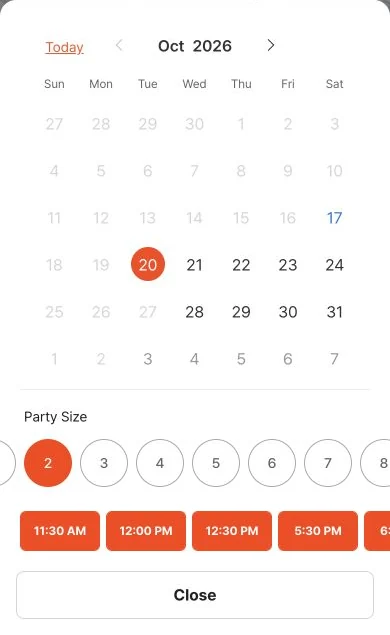
This is the actual selection screen opened from a date on SeoulDining’s page (서울다이닝). Dates and times are examples captured on the day; we did not make a reservation.
Depending on the restaurant, the next stages may cover seating, menus or a deposit. You are finished only when the booking details show a confirmed reservation. Tapping a date alone does not secure a table.
NAVER has English restaurant booking pages too
Some restaurants found through NAVER Maps offer an English booking page. This example is the actual English page for On the Border, Gwanghwamun D Tower Branch (온더보더 광화문D타워점). Here are the restaurant and guest/date selection screens, rather than a login screen.
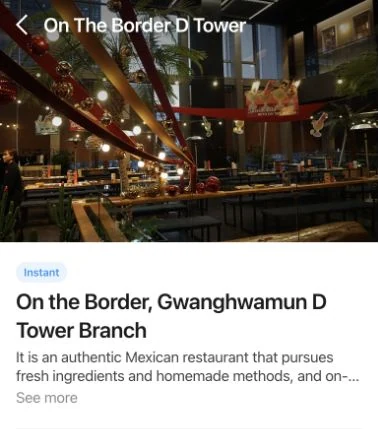
Tap Book on the restaurant page to open the next screen.
- Choose your party size under Please select the number of people.
- Choose a date in the calendar under Please select a date and time, then an available time.
- Tap Next to continue. Follow any subsequent prompts for login, verification or booking details.
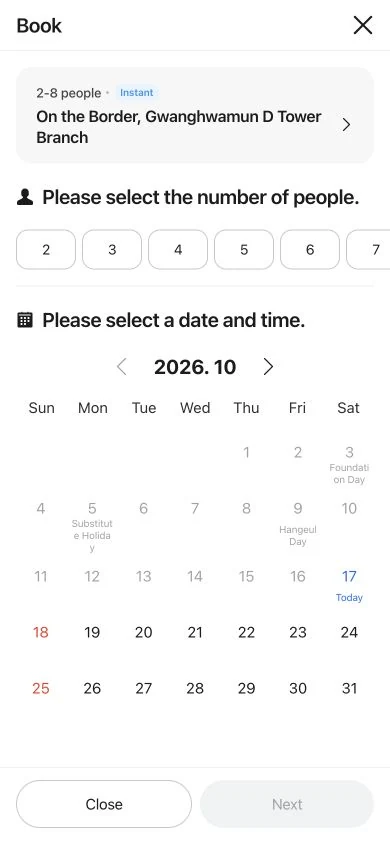
2–8 people is the condition for this particular booking product, not a rule for all restaurants. Dates and availability reflect the capture date; we did not submit a booking.
There is a route for visitors without a Korean phone number. NAVER introduced foreign-passport verification in June 2026. In supported booking/order services, you photograph your passport and complete a face check.
You need your original, unexpired passport issued outside South Korea. Your NAVER account name and date of birth must match the passport, and the passport must not already have been verified for another ID. The restaurant must allow foreign-visitor bookings. Services requiring adult verification, such as alcohol orders, have restrictions.
Reservations and waitlists use different buttons
- Reserve — book a time: choose an available date and time for your meal.
- Join Remote Waitlist — join the queue before arriving: receive a place in line before reaching the restaurant. This does not reserve a particular entry time.
- On-site waitlisting — join after arriving: register using the restaurant’s tablet or other on-site instructions.
Stay nearby after joining a waitlist. CATCHTABLE Global provides updates by email and in the app. Keep an internet connection and follow your position. Five parties ahead does not mean you will be seated in five minutes. The time allowed to return after being called varies by restaurant.
Three things to know about deposits
Some services accept overseas-issued cards for deposits, including CATCHTABLE Global and NAVER businesses that enable foreign-visitor bookings. The conditions are not identical for every restaurant or card.
- What you pay now: a deposit or advance payment for the meal?
- What happens after dining: deducted from the bill or refunded separately?
- The cancellation deadline: when do fees or no-show conditions apply?
Do not assume every deposit is fully refundable at any time. Read these three points on the payment screen, and double-check the date and branch name.
Walking in? Start with these questions
Not every restaurant takes reservations. If somewhere catches your eye while exploring, try these questions.
- 예약 없이 식사할 수 있나요? — Can I eat here without a reservation?
- 지금 현장 대기를 등록할 수 있나요? — Can I join the on-site waitlist now?
- 한국 전화번호가 없는데, 다른 등록 방법이 있나요? — I don’t have a Korean phone number. Is there another way to register?
Book the one restaurant you really want to try, then leave another meal open to discovery. Dining alone? Our solo dining guide explains order sizes for barbecue, stews and other dishes.
Sources and background
- NAVER announcement: passport verification, 9 June 2026
- NAVER Help: foreign-passport verification requirements
- NAVER SmartPlace: foreign-visitor bookings, overseas cards and restrictions
- Korea Tourism Organization: CATCHTABLE Global, June 2026
- CATCHTABLE official App Store listing, WADcorp
- CATCHTABLE Global official website
- Topic background: Reddit booking question, 26 August 2026
- CATCHTABLE official fine-dining collection
- NAVER Booking: On the Border, Gwanghwamun D Tower Branch, English page
Last checked: 2026-10-17
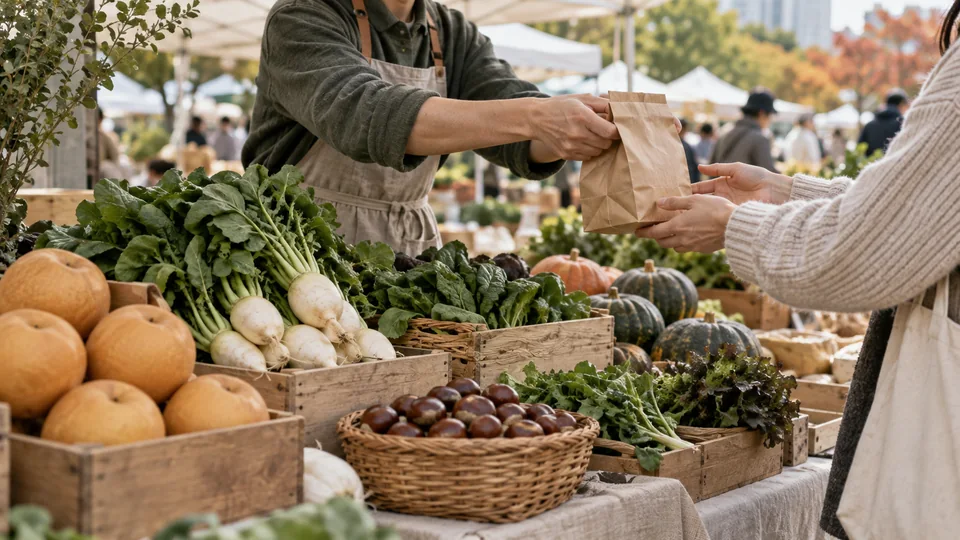
Farmers’ markets in Korea: why we love Marche
Meet the seasons and the people behind the food. From Marche to Baro markets in Gwacheon and Daegu, add a market day to your time in Korea.
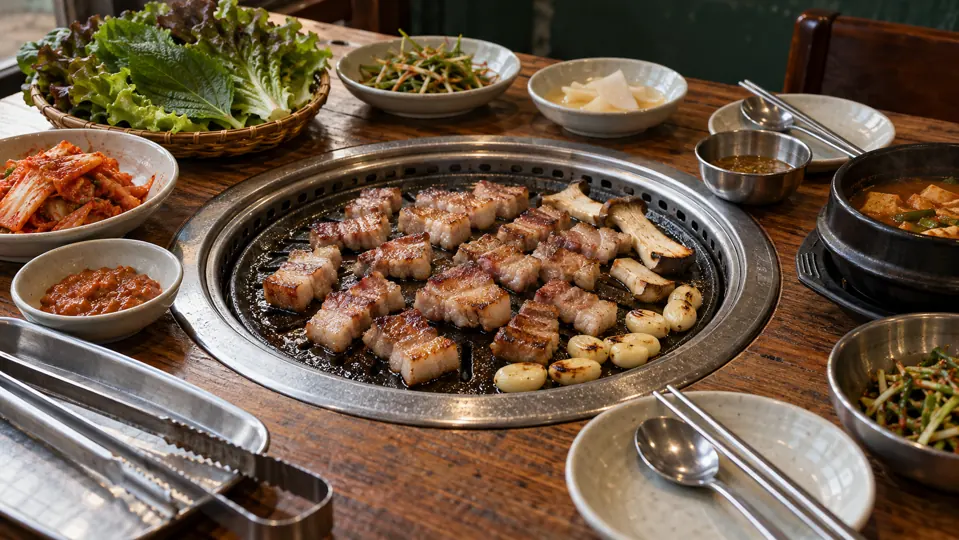
Eating Alone in Korea: Menus, Barbecue and Minimum Orders
From a roll of gimbap or a bowl of sundaeguk to barbecue and shared stews, here is how to understand portions and minimum orders when dining alone in Korea.
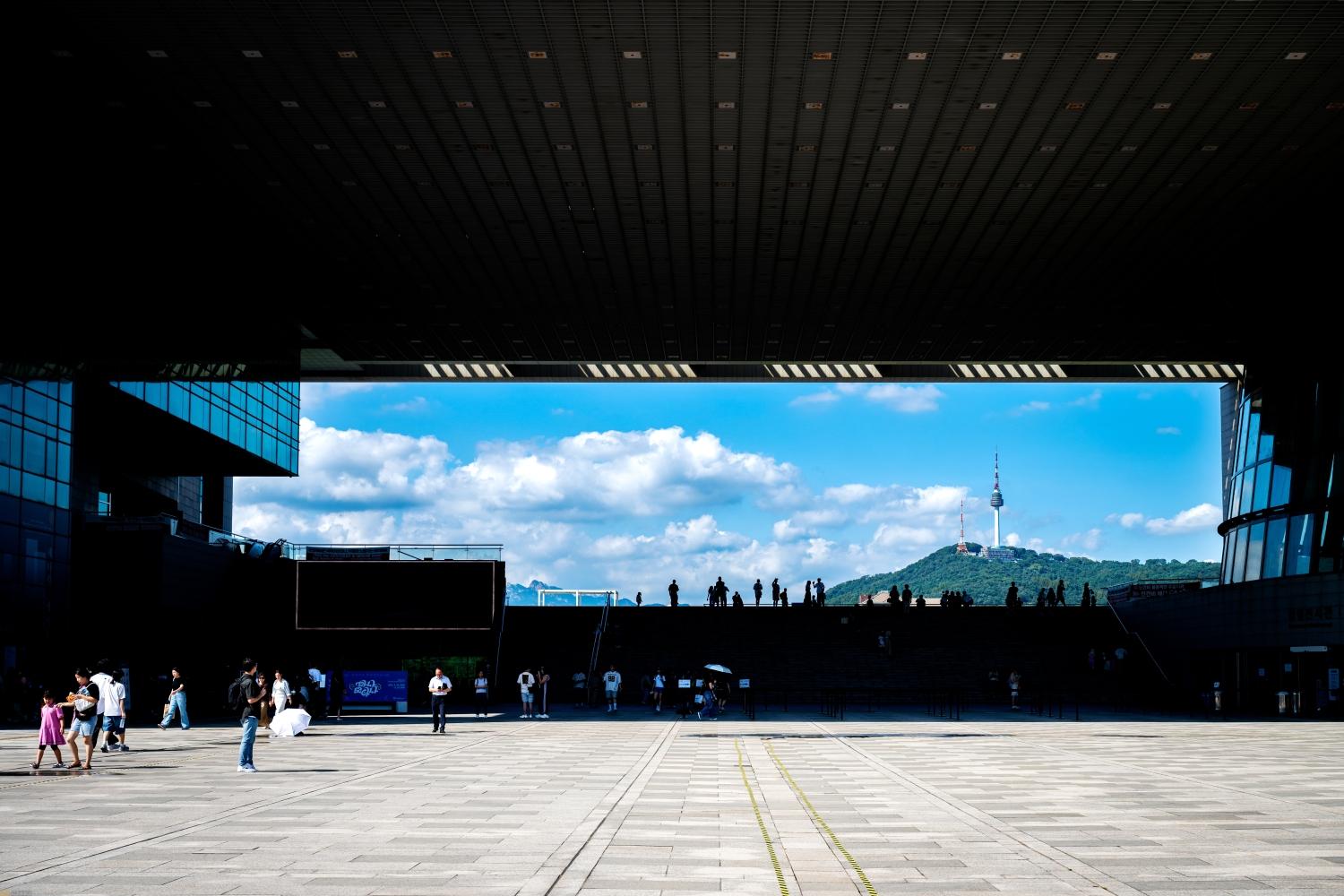
Seoul on a Rainy Day: 6 Indoor Activities & Cafés
Explore six rainy-day ideas in Seoul: museums, The Hyundai Seoul, Hongdae anime shops and Han River cafés, with opening hours, costs and transport tips.

Where to Buy 탱글 (Tangle) in Korea: A Small Souvenir to Take Home
Meet 탱글 (Tangle), the twistable fidget toy catching attention in Korea. Discover how it differs from 말랑이, where to look in Seoul and how to choose one as a travel souvenir.

Korean Profile Photos: Booking a Portrait Session in Seoul
Plan a Korean studio portrait, from choosing a style and booking to outfits, retouching, original files and receiving your photographs.

Photo Booths or Self-photo Studios in Korea? How to Choose
Compare Korean four-cut photo booths, self-service studios and photographer-led sessions, including bookings, digital files and prints.
Seoul with Kids: 4 Family Experiences to Plan Around
Choose from three children’s museums and a family photo session, with ages, locations, hours and booking details to help plan a day in Seoul.
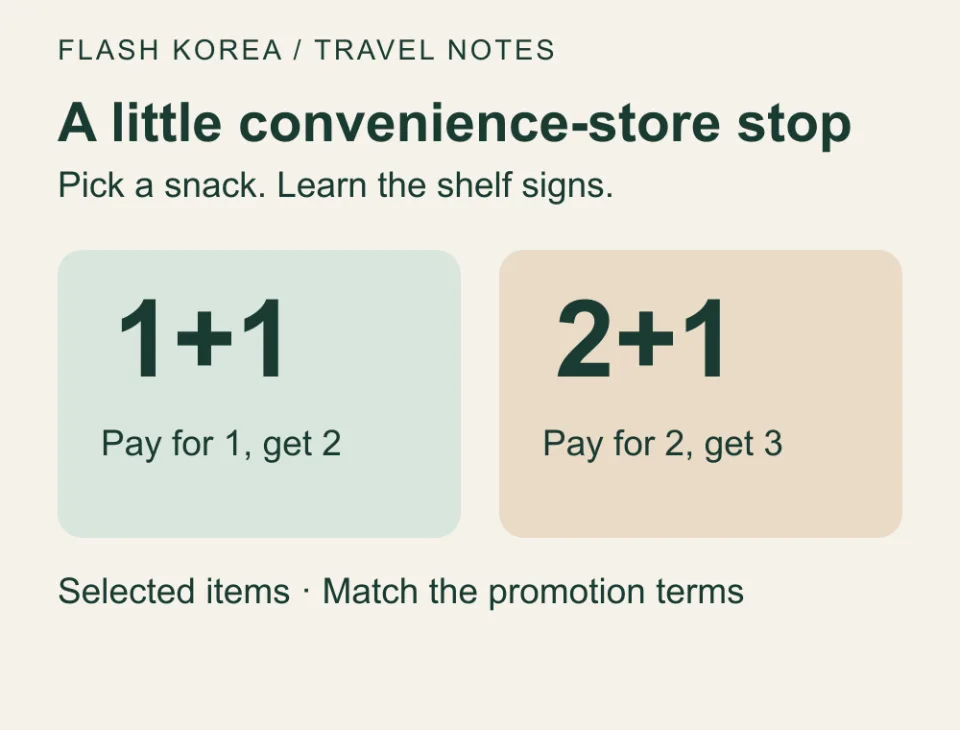
Korean Convenience Stores: Ramyeon, Snacks and 1+1 Deals
Learn how to prepare convenience-store ramyeon, choose snacks and triangle gimbap, and understand 1+1 offers, seating and cooking facilities.
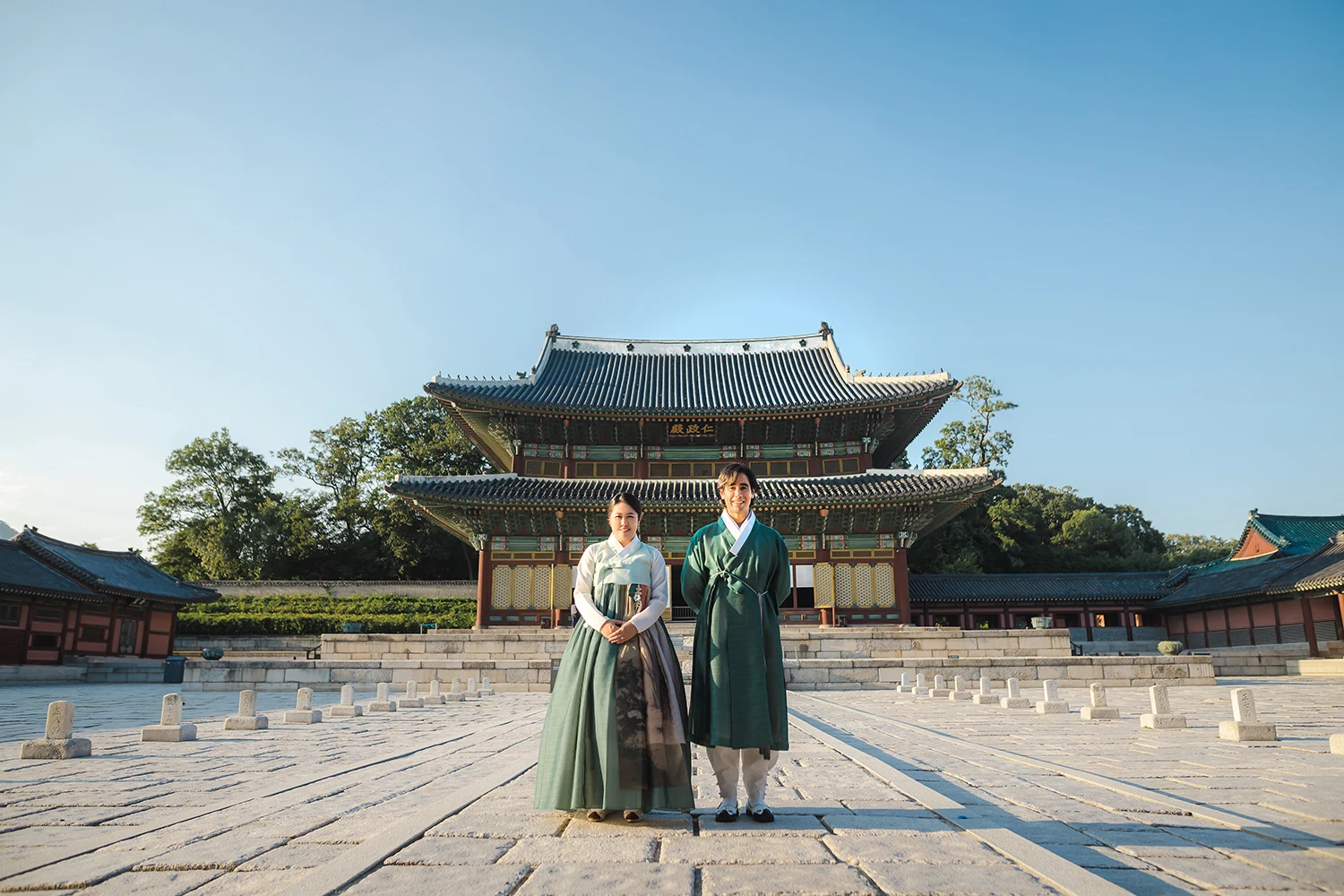
How to Find and Book a Photographer in Seoul
Plan a Seoul photo session: compare portfolios and quotes, agree locations, editing and file delivery, and clarify booking and image-use terms.

Seoul Palace Photos: Gyeongbokgung and Changdeokgung
Try portrait compositions at Geunjeongjeon, Gyeonghoeru, Injeongjeon and Nakseonjae, with practical guidance on light, clothing and visiting restrictions.
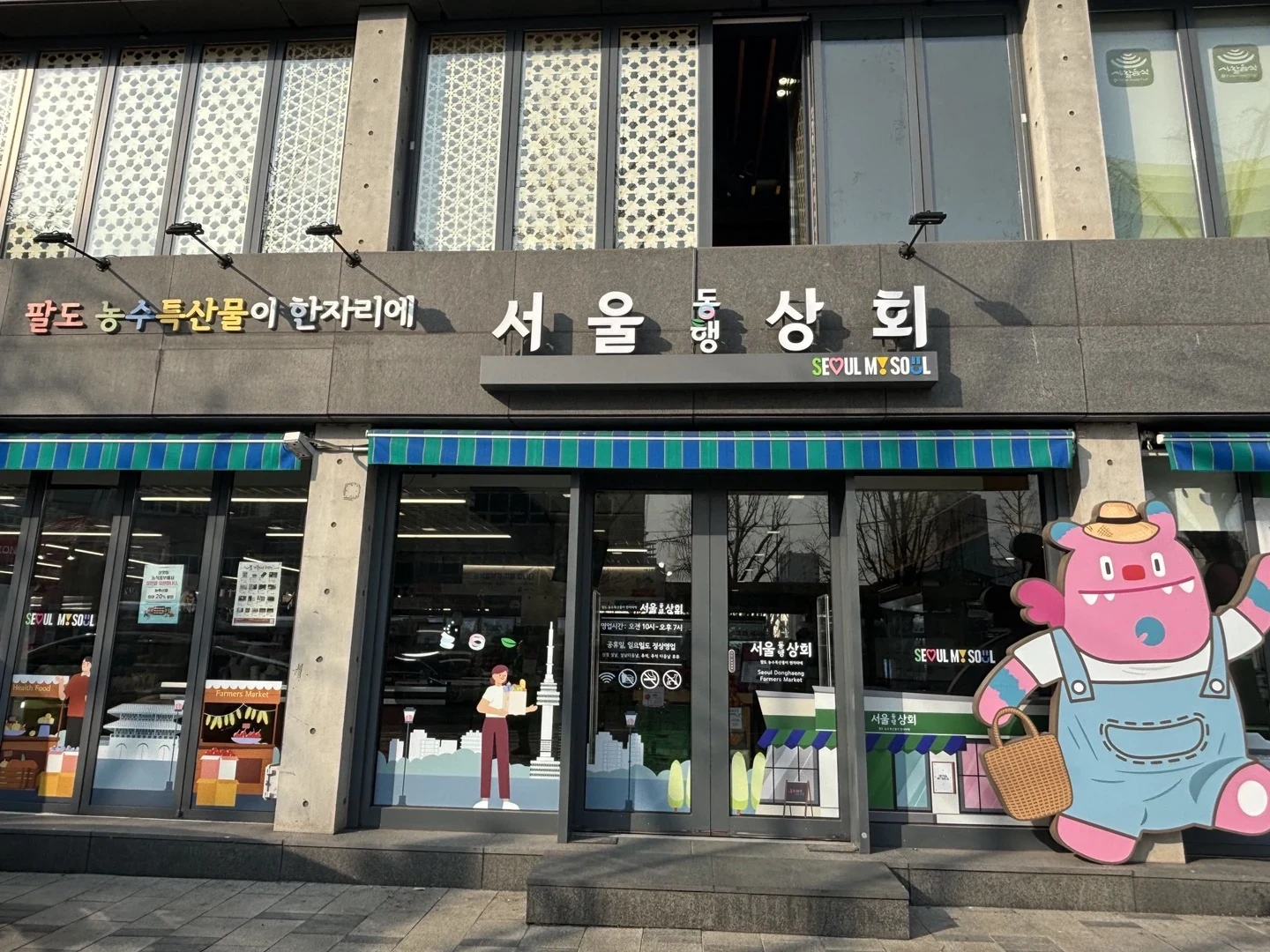
Food Souvenirs near Anguk: Seoul Donghaeng Sanghoe
Browse Korean regional foods and small gifts near Anguk Station. Add Seoul Donghaeng Sanghoe to a palace or Bukchon walk, with opening hours and market tips.
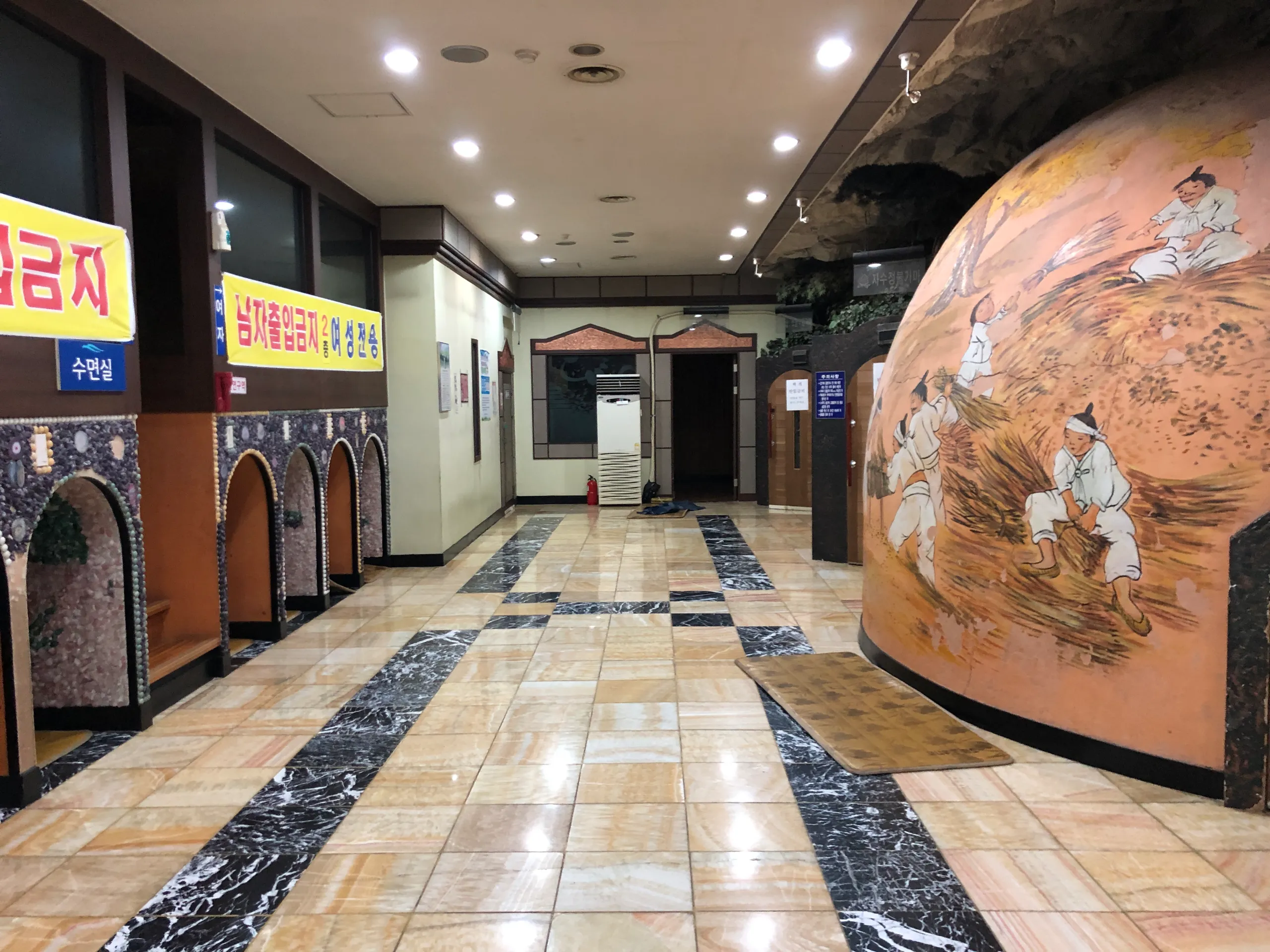
Your First Korean Jjimjilbang: Baths, Rest Areas and Payment
How to use a Korean jjimjilbang, from changing rooms and shared rest areas to extra charges, photography rules and visiting Aquafield Goyang.
Sungsimdang in Daejeon: Bread to Try, Branches and Queue Tips
Plan a first visit to Sungsimdang with bread suggestions, main-store and Cake Boutique hours, DCC location, queue advice and refrigerated-food tips.
5 Snacks to Try in Korea: Fruit Rice Cakes, Dubai Chewy Cookies and More
Discover Hanjungsun fruit rice cakes, pizza seolgi, butter tteok, Dubai chewy cookies and salt bread, with ways to find shops and practical storage tips.